Background
This was a take-home project for the Capital One TEIP program interview. I had less than a week to build a web application from scratch, and I was juggling two difficult midterm exams that same week.
I had no real web development experience going into it. Everyone else who submitted used React—I was the only one who didn’t. I picked Vaadin because it let me write the whole UI in Java, which was the language I actually knew. I didn’t have time to learn React and deliver something solid, so I went with what gave me the best shot at building something that worked well.
Why Vaadin
Most Java web development at the time meant JSPs, servlets, and a lot of boilerplate. Vaadin was different—you wrote your entire UI in Java and it handled rendering in the browser automatically.
Instead of switching between backend code and HTML/JavaScript, I stayed in one language and one mental model. Components like tables, buttons, and forms were just Java objects. For someone with no frontend experience and a tight deadline, this was exactly what I needed.
Looking back, Vaadin was ahead of its time. Writing UI logic in a backend language and having the framework handle the client-server communication is something you see now in tools like HTMX and LiveView.
How It Works
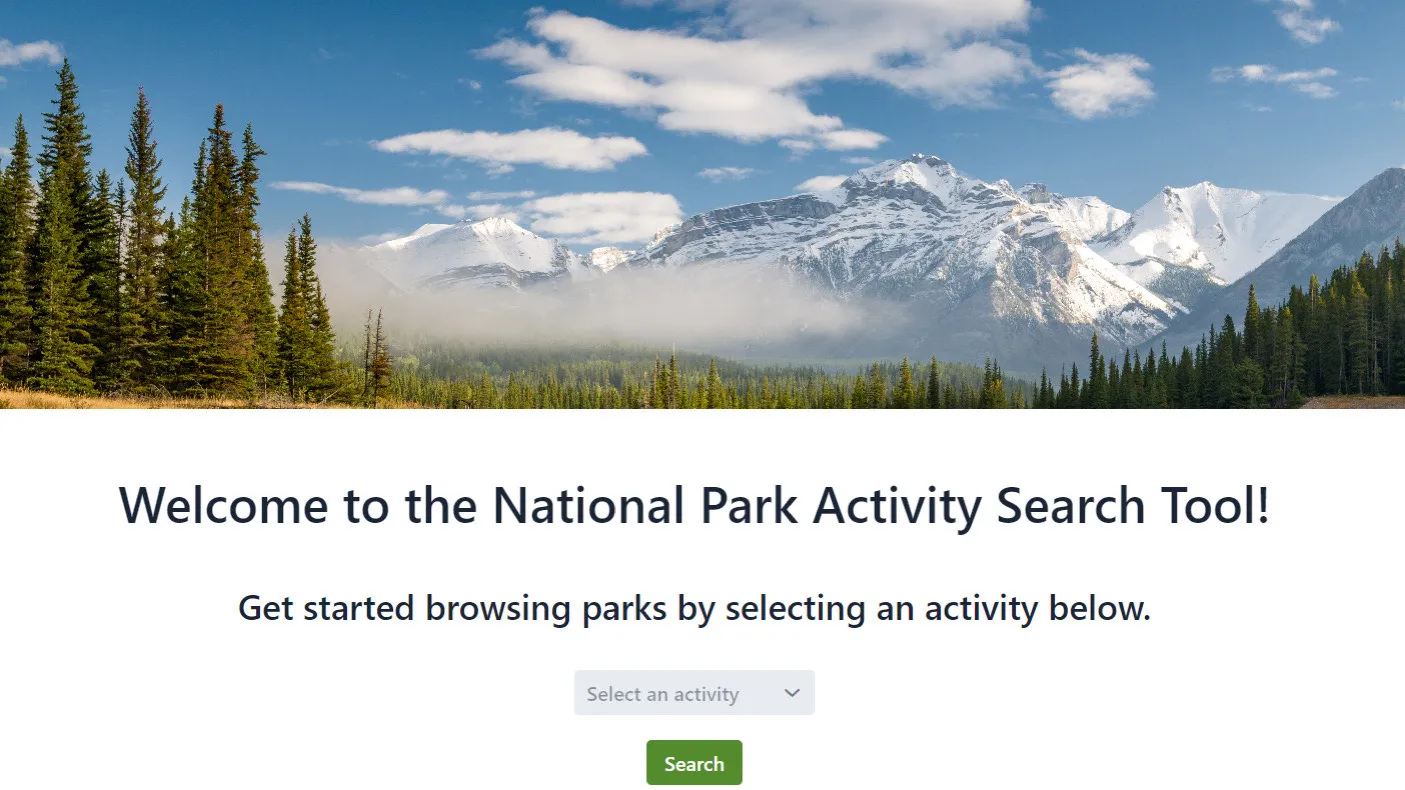
You pick a state from a dropdown and it fetches all national parks in that state from the NPS API. For each park, you can see what activities are available—hiking, camping, fishing, wildlife watching, and so on.
The search results display in a Vaadin table component with sorting and pagination. Clicking on a park shows more details about specific activities and visitor information.
I spent time on the CSS to make it feel welcoming rather than purely functional. The default Vaadin styling was decent, but I wanted something that felt right for the subject matter.
What I Learned
This was my first project that consumed a real external API. Handling network requests, parsing JSON responses, and dealing with the occasional timeout taught me a lot about building applications that depend on external services.
Vaadin introduced me to component-based UI development. Even though I’ve moved on to other frameworks since, that mental model of composing interfaces from reusable pieces stuck with me.
The biggest takeaway was about working under pressure. Balancing this project with two midterms forced me to make pragmatic decisions—choosing Vaadin over React wasn’t the popular choice, but it was the right one given my constraints. Sometimes the best technical decision is the one that actually ships.