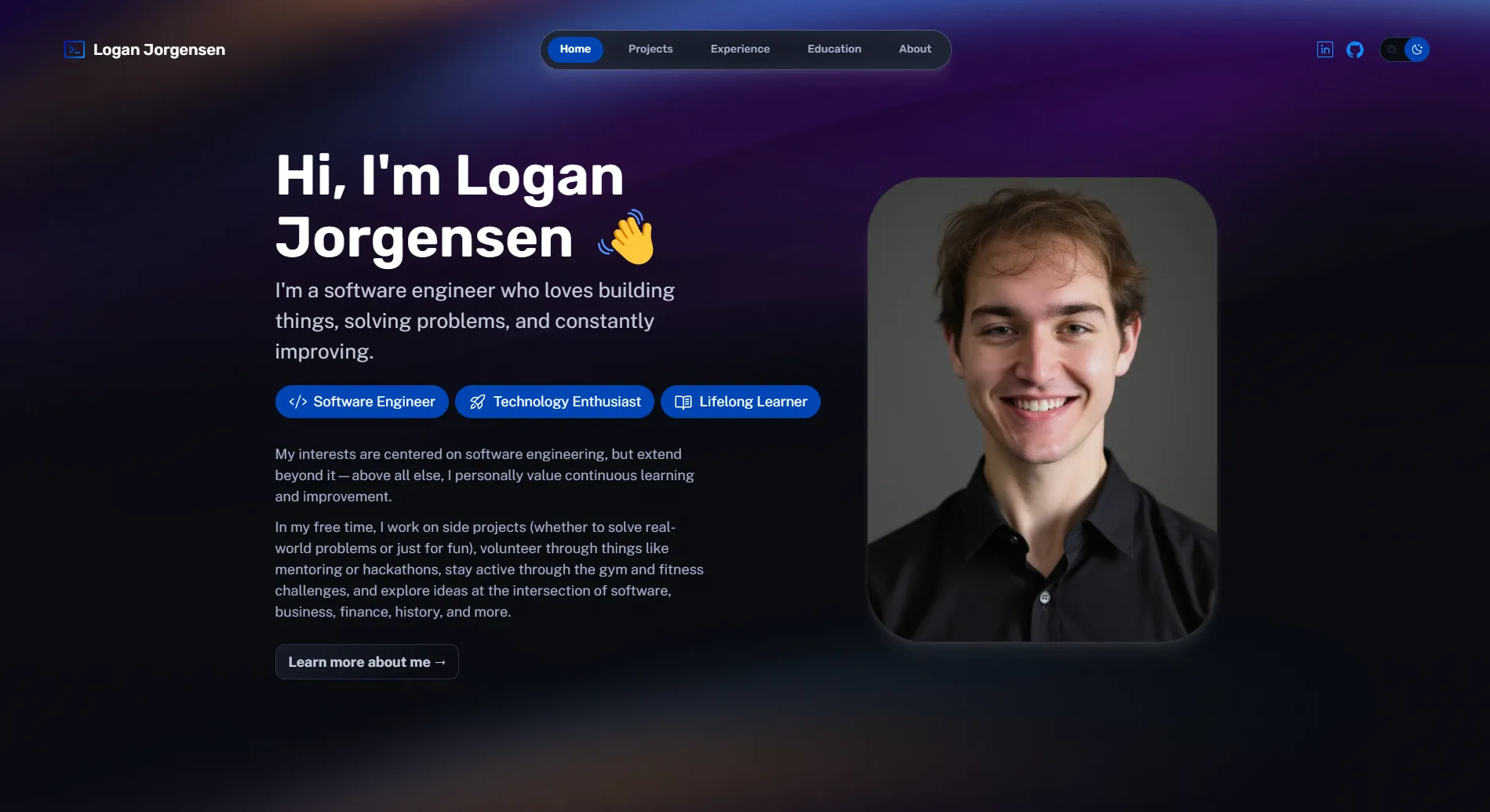
Why I Rebuilt It
My first portfolio was built back in 2017 using vanilla HTML, CSS, and JavaScript with Bootstrap. It worked fine for what it was, but after a few years of not touching it, the whole thing felt dated. The design looked like a template (because it basically was), the code was messy, and adding new projects meant copying and pasting HTML blocks while trying not to break anything.
I wanted something that actually reflected how I build things now. Something I could maintain without dreading it.
Why Astro
I’d been hearing about Astro for a while and decided to try it. The pitch made sense: ship zero JavaScript by default, but use whatever framework you want when you need interactivity. For a portfolio site that’s mostly static content, this seemed ideal.
What sold me was how simple the mental model is. Astro components are basically HTML with some superpowers. You write .astro files that look familiar, and the build process handles optimization. No fighting with client-side hydration for pages that don’t need it.
The content collections feature was also a big draw. I can write project pages in Markdown, define a schema for the frontmatter, and Astro type-checks everything. Adding a new project is just creating a new .md file instead of wiring up components.
What Changed From V1
Pretty much everything, honestly.
Structure: The old site was one long index.html with inline styles creeping in where they shouldn’t be. Now there’s a proper component architecture with reusable layouts and partials.
Content management: Projects used to be hardcoded HTML. Now they’re Markdown files with typed frontmatter. Adding a new project takes a few minutes instead of an hour of copy-paste debugging.
Performance: The old site loaded Bootstrap and jQuery even though I barely used them. The new site ships minimal JavaScript. Lighthouse scores went from mediocre to nearly perfect without much effort.
Design: I actually designed this one myself instead of tweaking a template until it looked acceptable. It’s not going to win any awards, but it feels like mine.
Deployment: Moved from a traditional hosting setup to Cloudflare Pages. Push to main, site deploys. No FTP, no manual steps.
What I Learned
Building this taught me that the JavaScript ecosystem has gotten genuinely better at solving the “simple website” problem. For years, the choice was either vanilla HTML/CSS (tedious to maintain) or a full React app (overkill for static content). Astro sits in a nice middle ground.
I also learned that I should rebuild my portfolio more than once every six years. The gap between v1 and v2 was too long. I’d accumulated projects that never made it to the site because updating it felt like a chore.
The TypeScript integration was smoother than I expected. Having type-safe frontmatter for content collections caught several typos that would have been invisible bugs otherwise.
The Stack
- Astro for the framework and build process
- TypeScript for type safety in components and content schemas
- CSS with scoped styles in Astro components
- Cloudflare Pages for hosting and deployment
No database, no CMS, no complexity I don’t need. Just Markdown files, a good build tool, and a deploy pipeline that stays out of my way.